
01 / 04
Find the grasp.
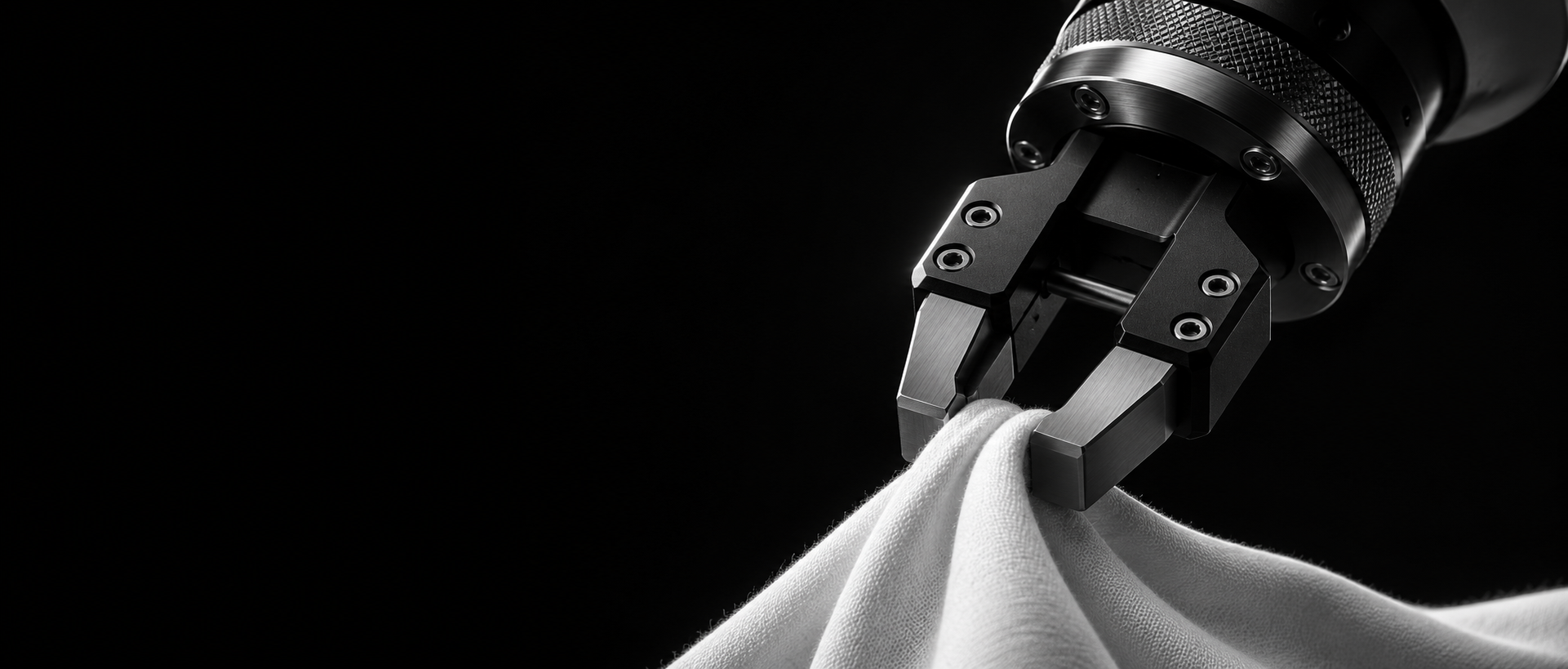
The arm reaches for the towel. At 5.07 seconds the gripper closes, ending the reach and starting the grasp.

Turn robot demonstrations into training data with step boundaries, instructions and human review.
Explore the live demoCheck where the towel lands after release. Record success, failure or an unclear outcome.
Why it's different
01 / 04How it works
How it works
 Wrist camera · 5.07 s
Reach → grasp
The arm reaches for the towel. At 5.07 seconds the gripper closes, ending the reach and starting the grasp.
The vision model reads the next interval and drafts an instruction that describes what the robot does with the towel.
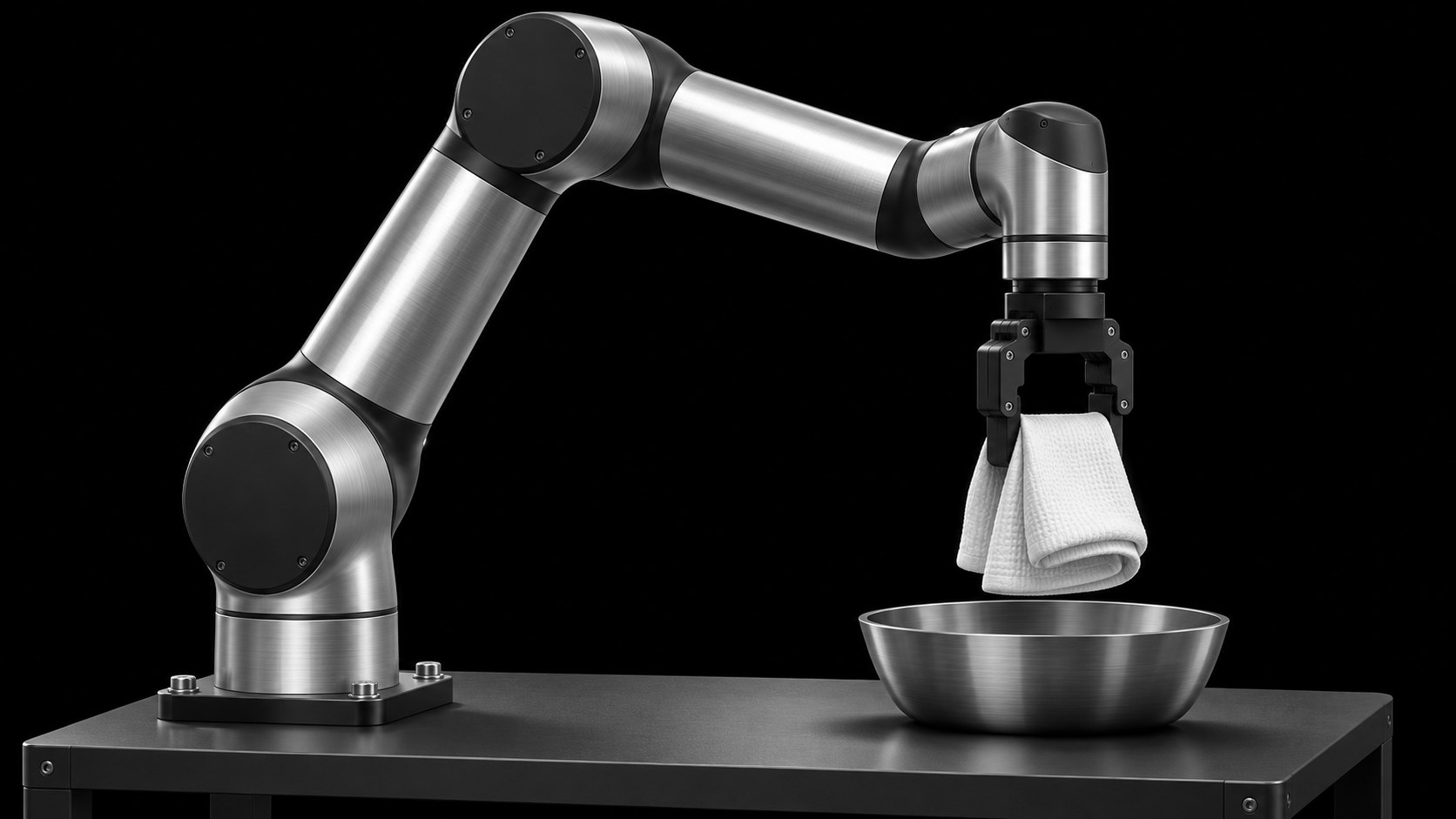
A reviewer can inspect the moment after release. Does the towel stay in the bowl as the gripper retreats? The answer helps determine the outcome.
Five intervals connect the footage to the instructions. Open the batch to inspect other episodes, their outcomes and quality flags.
The arm reaches for the towel. At 5.07 seconds the gripper closes, ending the reach and starting the grasp.
Wrist camera · 5.07 sReach → grasp
The vision model reads the next interval and drafts an instruction that describes what the robot does with the towel.
 Side camera · 8.00 s
Carry the towel to the bowl.
A reviewer can inspect the moment after release. Does the towel stay in the bowl as the gripper retreats? The answer helps determine the outcome.
 Front camera · 13.50 s
Review question · Is the towel in the bowl?
Five intervals connect the footage to the instructions. Open the batch to inspect other episodes, their outcomes and quality flags.
| Interval (s) | Step | Instruction |
|---|---|---|
| 0.00–5.07 | reach | Move the arm toward the towel. |
| 5.07–6.00 | grasp | Grasp the towel. |
| 6.00–11.87 | move | Carry the towel to the bowl. |
| 11.87–12.87 | place | Release the towel inside the bowl. |
| 12.87–14.47 | retreat | Retreat the gripper upward. |
What you get
Every interval links a movement to its instruction and its place in the recording.
The labels
Switch cameras or jump to a labeled interval. The video and labels stay on the same clock.
Inspect the latest counts from the public DROID demo. Select a breakdown to see what the batch contains.
Inspect the episodes ↗How many attempts completed the task?
Loading batch data…
Bring a representative task to the first conversation. A short description is enough to start.
Annota works with LeRobot datasets. For HDF5, discuss the layout with us first.
Tell us which camera views, gripper signals and arm motion records accompany each episode.
What counts as a clean completion? Which recoveries should stay in training? These choices shape the review.
The public DROID batch contains AI drafts. Use it to see how the evidence and labels fit together.
move · 6.00–11.87 s · “Carry the towel to the bowl.”
Tell us what your team is training. On the call, we can discuss your dataset, the labels you need and whether Annota fits your project.
Our team reviews each request and follows up by email about scheduling.